
Training Log Snapshot
- A useful log records only the variables needed to make the next training decision.
- Subjective context such as effort, pain, sleep, and session notes can be as valuable as device metrics.
- Wearables can support self-monitoring, but general wellness data should not be treated as a diagnosis or perfectly accurate measurement.
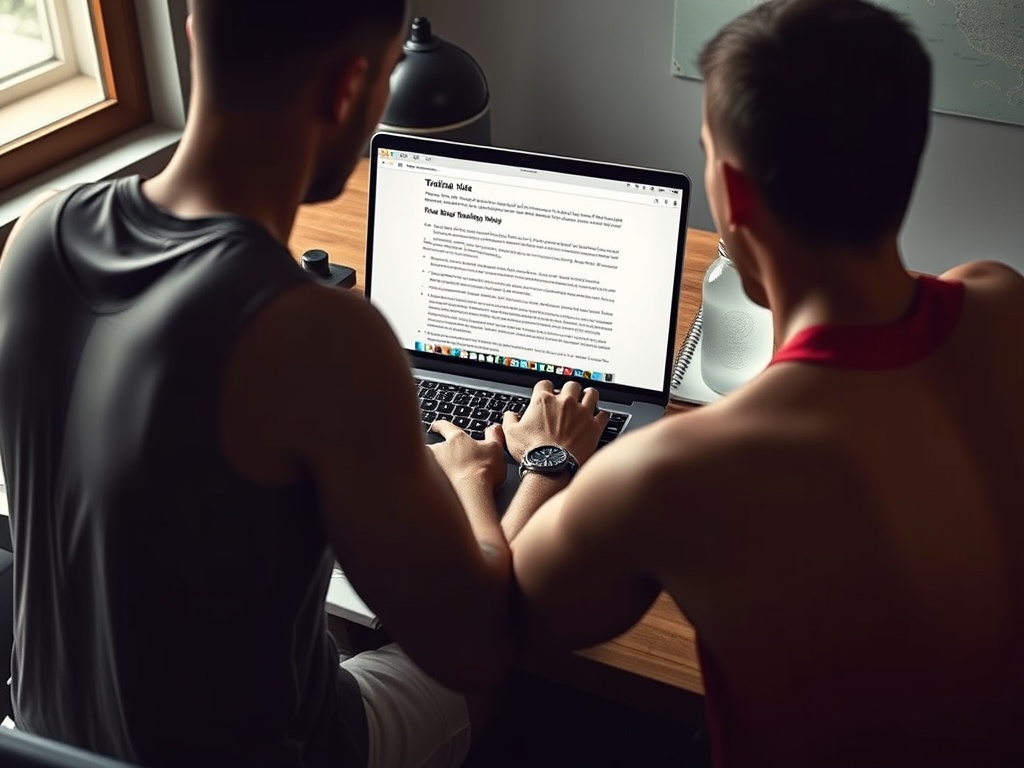
A useful digital training log is a decision system, not a diary of every available metric. It should show what you did, how hard it was, how you responded, and what should change next time.
Start with the decision the log must support
Strength trainees may need to decide when to add load, reduce volume, or change an exercise. Runners may need to compare pace and effort across routes. People rebuilding a habit may only need completion, duration, and a note about barriers. Define the decision first, then collect the minimum data required.
The CDC guidance for adding physical activity includes activity planning and a physical activity diary, reinforcing the value of simple self-monitoring. A sophisticated app is optional.
The minimum viable entry
For any session, record date, activity, duration or sets and repetitions, one intensity measure, and one short note. Intensity might be load, pace, heart rate, rating of perceived exertion, or repetitions in reserve. The note can capture pain, unusual fatigue, equipment changes, or a technique cue.
This entry should take less than two minutes. If logging requires rebuilding the workout in multiple screens, the system is too heavy for most users.
Strength-training fields that earn their place
Record exercise name, variation, load, sets, repetitions, and an effort estimate. Add range of motion or tempo only when those variables are part of the plan. For unilateral work, note side-specific differences when they affect decisions.
A technique flag can be more useful than another decimal. Mark the set when form changed and note the specific observation. This creates a reason for the data: lower the next load, stop one repetition earlier, or adjust setup.
Cardio and conditioning fields that reveal trends
Record modality, duration, work-rest structure, distance or output when available, and perceived effort. Environmental context matters for outdoor work: heat, hills, wind, and surface can change pace. Do not interpret a slower session as reduced fitness without considering conditions.
For metabolic conditioning, capture enough detail to repeat the format. Exercise order, interval length, recovery, and total rounds are more useful than naming the workout "hard."
| Data tier | Examples | Why it matters |
|---|---|---|
| Must have | Activity, dose, effort, brief response note | Supports the next decision |
| Useful when relevant | Pace, load, heart rate, range, symptoms, sleep | Explains changes in performance or tolerance |
| Optional | Readiness score, calorie estimate, detailed charts | Can add context but may create noise |
| Avoid by default | Every metric from every device | Increases review burden without clear action |

Use subjective data deliberately
A one-to-five readiness score can be useful if it is defined. For example, one means unusually depleted and five means energetic with normal symptoms. Record sleep quality, stress, soreness, or pain only when you will review them. Subjective scores are not objective truth, but repeated patterns can reveal when performance changes with context.
Avoid turning a low score into an automatic cancellation. Sometimes an easy warm-up improves how a person feels. Use the score to adjust the session, not to surrender decision-making to the app.
What wearables add and where they mislead
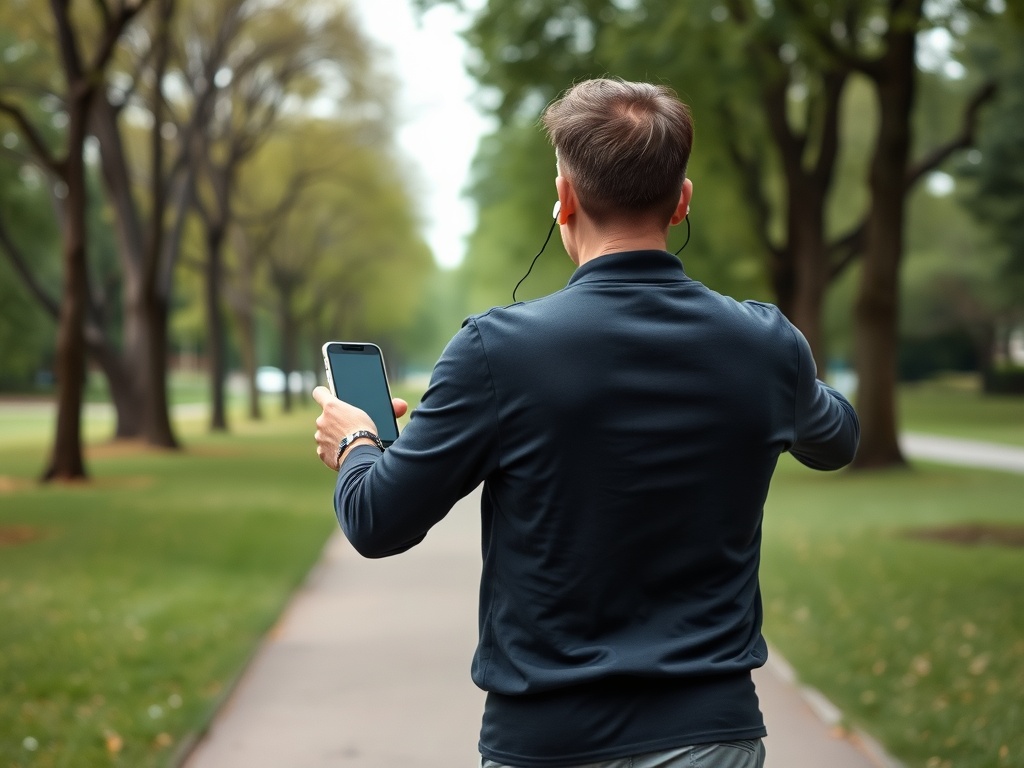
Wearables can reduce manual entry and make steps, duration, heart rate, or sleep trends easier to see. Research suggests that interventions incorporating activity trackers can increase physical activity in some populations, while effects on other health outcomes are less consistent. A recent umbrella review of wrist-worn wearables highlights both potential benefits and limitations in the evidence.
Treat device values as estimates. Heart rate may be less accurate during gripping, rapid changes, cold conditions, or poor sensor contact. Calorie expenditure is especially easy to overinterpret. Compare trends from the same device under similar conditions rather than treating each number as laboratory measurement.
The 2026 FDA general wellness guidance distinguishes low-risk wellness products from tools intended to diagnose or treat disease. A training log should not convert a consumer metric into a medical conclusion.
Build weekly and monthly review layers
A weekly review should take five minutes. Ask: Which sessions were completed? Did effort at the same workload change? Did symptoms or technique limit any exercise? What one adjustment belongs in the next week?
A monthly review can examine volume trends, personal bests, adherence, recurring pain, and whether the program still matches the goal. Use a chart only if it clarifies a decision. A growing dashboard that no one reads is not a better log.
Create rules before the data becomes emotional
Define progression rules in advance. Add a small amount of load when all planned repetitions are completed with the target effort and stable technique. Repeat the session when performance is acceptable but not yet consistent. Reduce demand when symptoms rise or technique deteriorates.
For nutrition-related observations, record broad context rather than policing every bite. A note that training followed a long food gap may support changes described in the meal structure for fullness, but the log should not encourage obsessive tracking or compensate for eating.
Protect privacy and data quality
Use a strong password and review app permissions. Decide whether location data, health information, and cloud sharing are necessary. Export data periodically if the platform allows it, and keep a simple backup of key training records.
Standardize exercise names and units. "DB bench," "dumbbell press," and "flat DB" may become three separate exercises in an app. Consistent naming makes trends visible. Record equipment changes because a different machine or treadmill may not produce directly comparable numbers.
Common logging mistakes
The first is logging during the entire session and reducing training focus. Enter sets between exercises or summarize afterward. The second is collecting data without review. The third is changing the program based on one bad day. The fourth is allowing a readiness score to override symptoms or clinical advice.
The fifth is using the log as proof of worth. Missed sessions are information about schedule, program difficulty, and motivation. The principles in temptation bundling for adherence can help redesign initiation without turning the record into a guilt ledger.
Build a dashboard that answers one question
A dashboard should be smaller than the raw log. For a strength goal, display completed sessions, main-lift volume, and effort trend. For a walking goal, show weekly minutes, average effort, and symptom response. Avoid mixing unrelated metrics merely because the app can display them.
Use rolling trends rather than reacting to single-day spikes. A seven-day or four-week view can reveal whether load is rising faster than recovery, but the window should match the decision. Add a short written interpretation beside the chart so the next action remains clear.
Turn your log into a decision system
Create one template with five fields: activity, dose, effort, response, and next action. Use it for four weeks before adding metrics. At each review, remove any field that did not change a decision and add only the data that would have clarified a real question. The best log becomes more useful over time, not merely larger.